 Dali Marketers
The quick answer
Not seeing your own ad is not proof that nobody sees it. Start with account reports and diagnostics, then investigate the specific barrier.
Confirm whether the campaign has impressions
If you cannot find your ad in a Google search, first inspect the campaign’s reported impressions. Personal searches are a poor monitoring method: your location, device, timing and search context can differ from your intended audience.
Check that the report covers a period when the campaign was active. Remove filters that could hide the campaign or relevant data. Use Google’s Ad Preview and Diagnosis tool where appropriate rather than repeatedly searching for and clicking your own ad.
Distinguish zero impressions from fewer impressions than expected. A campaign that is serving needs a different investigation from one that is ineligible to run.
Check basic eligibility and account notices
Inspect account notifications, payment issues, campaign status and start or end dates. Confirm that the relevant ad groups, keywords and ads are enabled. An enabled campaign containing paused or disapproved ads is not enough.
If an ad has a policy issue, read the specific reason and follow the available correction or appeal route. Do not create replacement accounts or disguise the destination to avoid a restriction. A consultant can help review the problem, but cannot guarantee Google’s approval decision.
Record the exact status message. “Ads not working” is less useful than the notice displayed in the account.
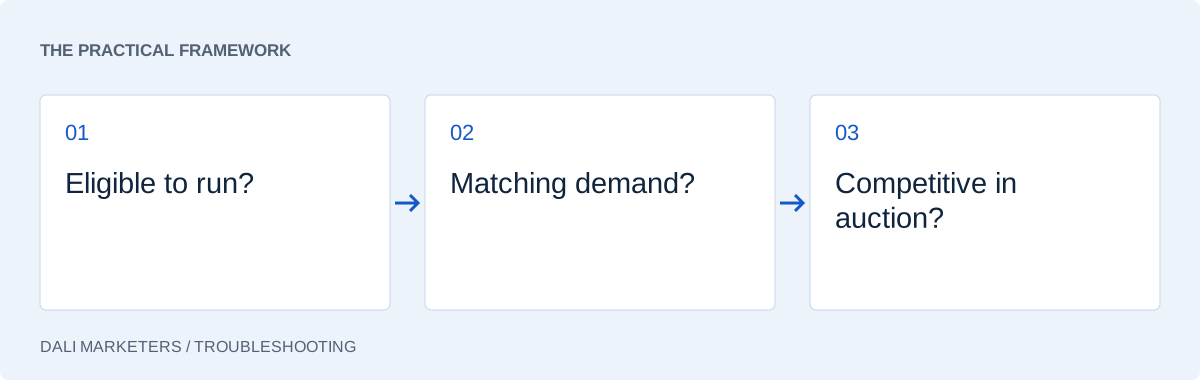
Look for targeting that leaves too little demand
Review the combination of location, schedule, language, audience restrictions and keyword coverage. Each setting may seem reasonable alone while the combination leaves very few eligible searches.
Consider whether the selected service has enough demand in the chosen area. A niche business targeting a small location should not expect the same impression volume as a broad national service.
Check negative keywords for conflicts with intended searches. A broad exclusion can accidentally block useful demand. See our negative keyword guide before removing or adding exclusions.
Inspect budget and bidding constraints
A budget or bid target can limit participation, but increasing spend should follow diagnosis. Review the campaign’s budget and bid strategy status and look for restrictive targets. Check whether the conversion data supporting the strategy is reliable.
If conversions are misconfigured, a bidding adjustment may only obscure the underlying issue. Test important actions using the conversion tracking checklist.
Where sufficient reporting exists, impression-share diagnostics can help separate missed opportunities associated with budget from those associated with rank. Do not assume every low-traffic situation has both metrics available.
Review ad relevance and destination quality
The auction considers more than the amount you are willing to bid. A relevant ad and useful destination matter too. Check that the page loads, describes the advertised service and offers a clear next step.
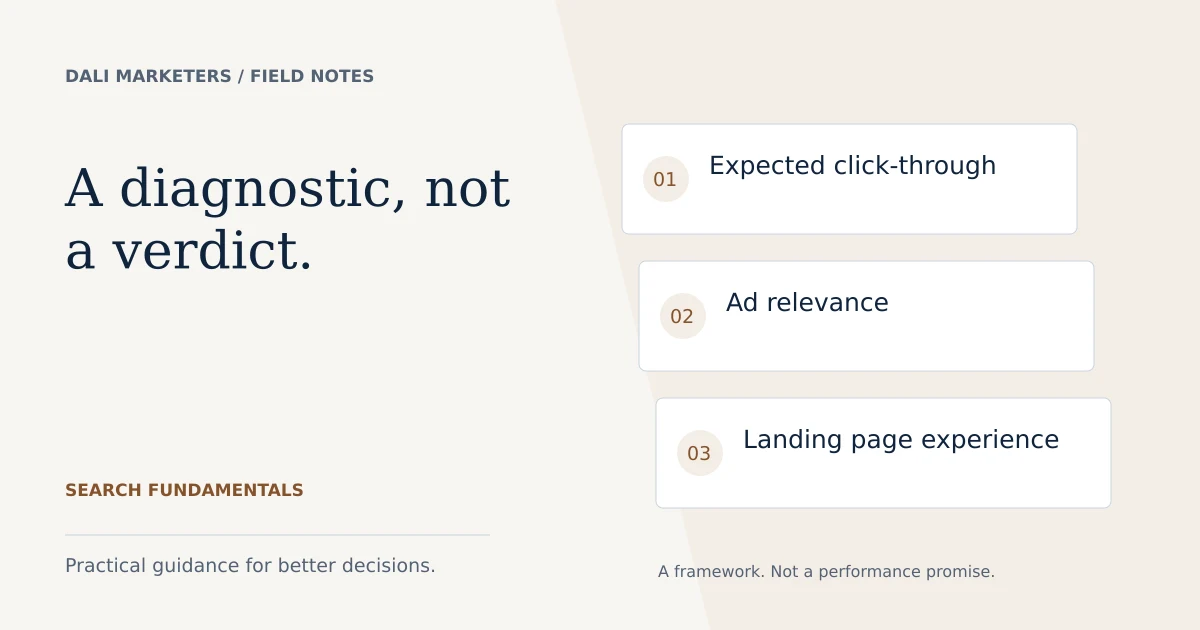
Use Quality Score components as clues to potential Search ad issues. A low or missing reported score is not a complete diagnosis, and the displayed number is not inserted directly into the auction. Our guides to Quality Score and the Google Ads auction explain that distinction.
Keep a simple troubleshooting record
| Check | Record |
|---|---|
| Reporting period | Dates, filters and impressions |
| Eligibility | Status notices and policy reasons |
| Targeting | Area, schedule and restrictions |
| Bidding | Strategy status and targets |
| Destination | Working page and enquiry route |
Change the most likely constraint and document the result. If several settings changed recently, review change history so you know when the problem began.
Fix a paused ad by enabling it only if it is meant to run. A paused state may be intentional, so context matters before any edit.
Escalate with a precise question
If the account remains unable to serve, collect the campaign type, status message, date range and checks already completed. Avoid sharing passwords or sensitive billing details in a public help forum.
Our Google Ads audit service can investigate campaign setup and eligibility signals. If impressions and clicks exist but enquiries do not, the next useful guide is why Google Ads gets clicks but no leads. That problem begins later in the journey.
Sources & further reading
Platform details checked against these Google resources on 23 September 2026. Examples and diagnostic frameworks are explanatory; account results will vary.