 Dali Marketers
The quick answer
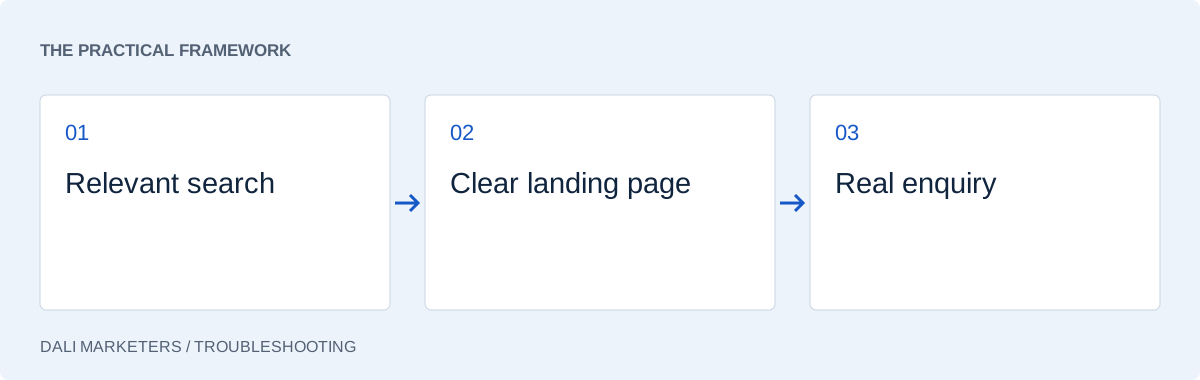
First establish whether leads are missing, or simply missing from your reports. Then investigate search intent, the page and the follow-up process.
Start with the difference between no leads and no recorded leads
When Google Ads is getting clicks but no conversions, it is tempting to rewrite every ad or increase the budget. Start with a simpler question: has the business actually received enquiries? Compare your account with your inbox, call records and customer conversations over the same period. A campaign can generate enquiries while its reporting shows zero, or report plenty of conversions that are only button clicks.
Choose a recent period long enough to cover your usual buying cycle. A service booked on the same day behaves differently from a project that takes several weeks to approve. Note any tracking changes inside that period before comparing results.
Write down what you mean by a conversion: a completed enquiry, a booked consultation or a purchase. A page view is useful context, but it is not evidence of a new customer.
1. Test the enquiry journey yourself
Open the landing page on a phone and complete the action you expect a visitor to take. Does the form accept valid information? Does the confirmation appear only after submission succeeds? Does the message reach the right inbox? Test phone and WhatsApp links as well.
Next, use Tag Assistant to inspect the intended conversion event. A working form with a missing event suggests a measurement problem; a broken form is an immediate customer-experience problem. See our conversion tracking checklist for a structured test.
2. Read the searches behind the clicks
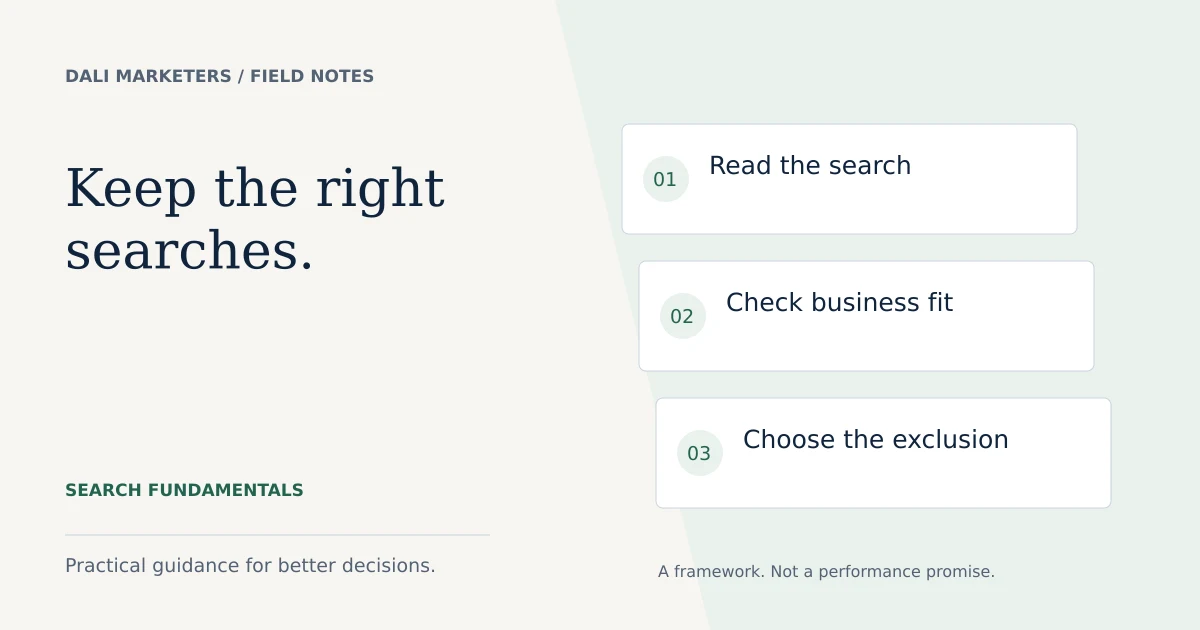
A keyword describes your targeting; a search term shows what someone actually typed. Review available search terms and classify them as relevant, uncertain or clearly irrelevant. A commercial cleaning business might welcome “office cleaning quote” while “cleaning jobs” serves a different need.
Exclude demonstrably unsuitable searches with carefully chosen negative keywords. Do not block words simply because a few clicks have not converted. Check whether you have enough evidence and whether the sale could arrive later.
3. Check the service area and the offer
Can the people clicking actually buy from you? Review location settings, delivery limits, opening hours and the service named in the ad. A business serving one city should make that clear before someone submits a request.
Check intent as well as geography. Someone searching for a price comparison may need transparent pricing or a helpful explanation of what affects cost. Someone seeking emergency help needs availability and a usable contact option.
4. Match the landing page to the ad
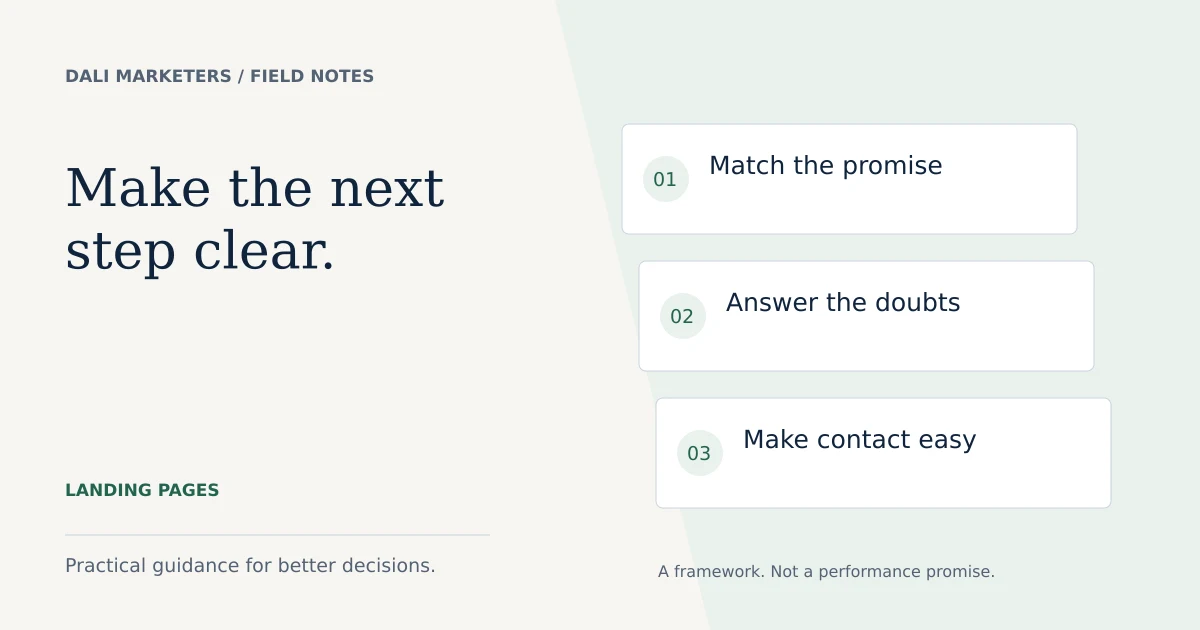
If your ad offers a Google Ads audit, the page should explain the audit, its deliverables and the next step. A general marketing homepage forces the visitor to work out whether the service is available.
Put the offer, relevant evidence and main action near the top. Remove unnecessary form fields and test the layout on a smaller screen. Use the landing page checklist to inspect the whole journey.
5. Look at the conversion actions used for bidding
Check which goals each campaign uses. Primary conversion actions normally inform bidding when their standard goal is selected; secondary actions are generally for observation. Custom goals require particular care because their included actions can be used for bidding regardless of that label.
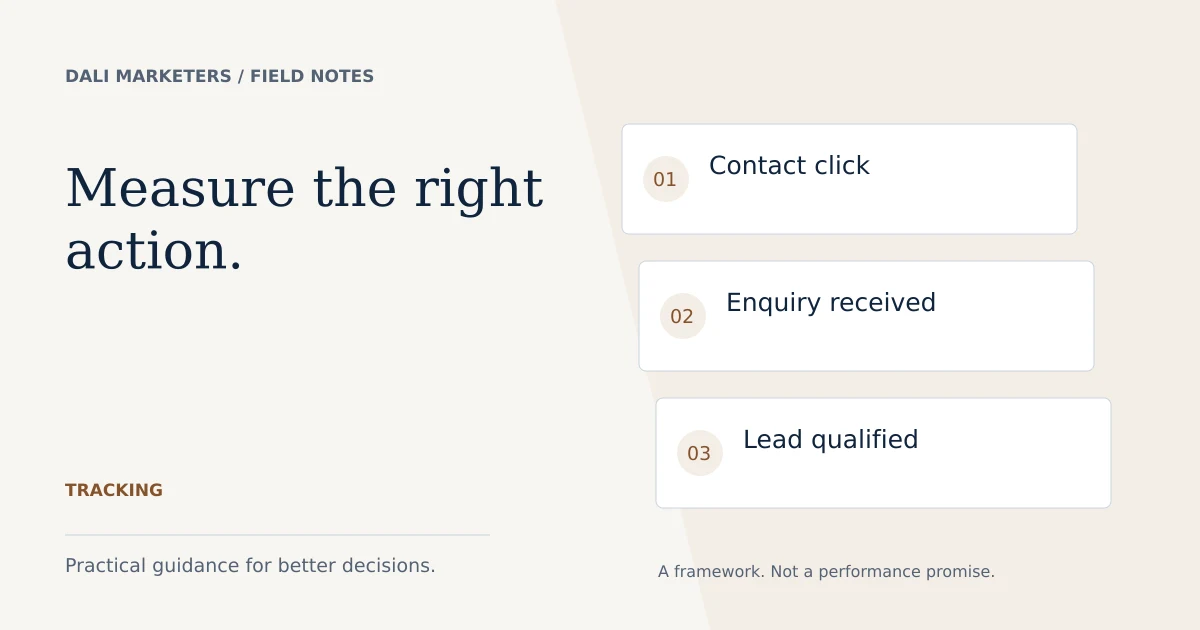
If the account rewards an easy action such as a contact-button click, the resulting traffic may not produce the enquiries you expected. Select goals deliberately and avoid counting the same successful submission twice.
6. Diagnose the weak stage before changing bids
Use this simple working table. It is a diagnostic starting point, not a claim that every account has the same cause.
| What you observe | First investigation |
|---|---|
| Enquiries exist, reports show none | Tracking, attribution and reporting dates |
| Irrelevant searches dominate | Targeting and exclusions |
| Relevant visits, broken form | Website functionality |
| Good enquiries, few sales | Response process, fit and pricing |
Changing bids cannot repair a broken enquiry form. Equally, redesigning a page will not solve a campaign focused on searches for services you do not provide.
7. Make one evidence-based change at a time
Record the problem, the change, its date and what success would look like. Fix outright faults promptly, then avoid repeatedly changing several variables during an evaluation period. Consider conversion delay and normal variation before judging the result.
For example, if relevant visitors abandon a long form, reduce unnecessary questions and compare completed, qualified enquiries—not just button clicks. If you cannot identify the weak stage, a Google Ads audit can help prioritise the investigation before you spend more.
Sources & further reading
Platform details checked against these Google resources on 23 September 2026. Examples and diagnostic frameworks are explanatory; account results will vary.