 Dali Marketers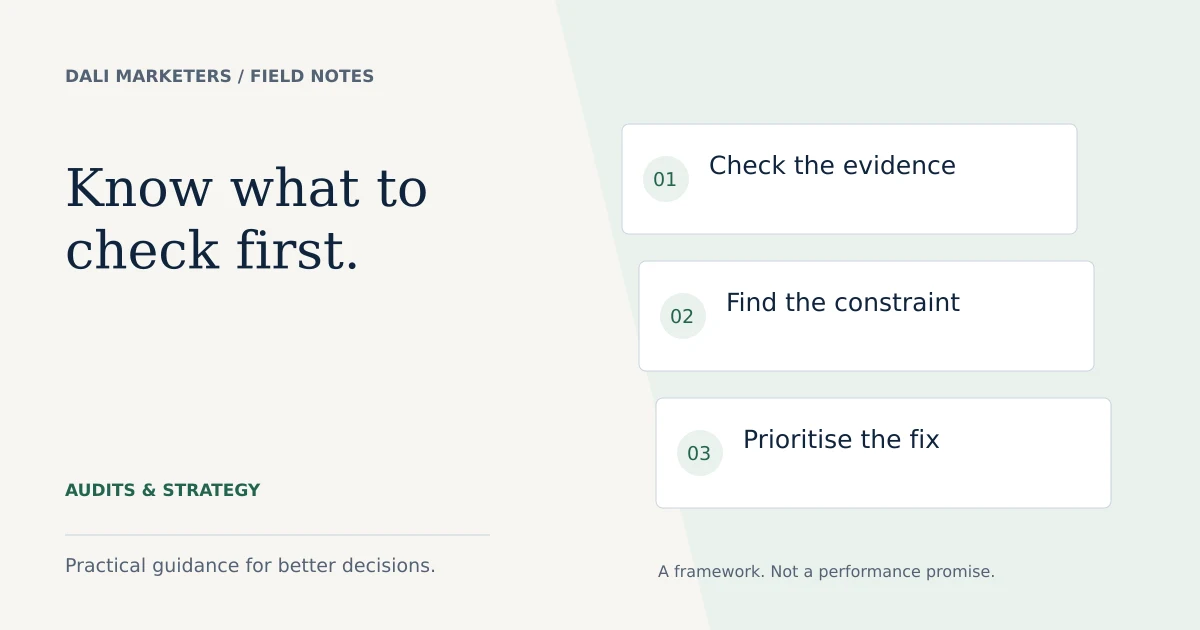
The quick answer
Audit the business objective and conversion data first. A neat account structure is not enough if the account measures the wrong outcome.
Define the question your audit must answer
A useful Google Ads audit starts with a business question. Are you paying too much for qualified enquiries, struggling to generate demand or unsure whether the reports are trustworthy? Decide which problem matters before collecting screenshots.
Record the services being advertised, locations served, budget, typical sales cycle and what a suitable customer looks like. Agree a reporting period that covers enough activity to make useful comparisons. If the account is new or has very little data, label your findings as setup observations rather than proven performance problems.
Create a working document with four columns: observation, supporting evidence, recommended action and priority. That makes it easier to separate facts from hypotheses.
Review the conversion setup before campaign performance
List the account’s conversion actions and the goals selected by each campaign. Test the actions that matter, such as a successful enquiry submission. Look for duplicate events and events that fire before a visitor has completed the action.
Compare reported leads with real business records. Differences need investigation, but the systems will not always match exactly because of reporting dates, attribution and consent choices. Use our tracking checklist to document the checks. Do not grade a campaign on cost per conversion until you know what that conversion represents.
Inspect targeting and search intent
Review locations, language settings, schedules and networks against the actual business. Check whether you are promoting services you can deliver, during periods when enquiries can be handled.
Read available search terms. Look for unwanted jobs, training, products or service areas, but assess them in context. “Free consultation” could be a useful query for a consultant even though a generic negative-keyword list might recommend blocking “free”. Record the reason for each exclusion.
Check whether existing negatives accidentally block valuable searches. Our negative keyword guide explains how to choose the scope of an exclusion.
Check the connection between ads and landing pages
Group your review by customer need. Does each ad explain a relevant offer? Does its destination continue the same promise? Look at contact options, pricing clarity, evidence and usability on mobile.
Inspect ad assets such as sitelinks and callouts for accuracy. Outdated service details or links to irrelevant pages can undermine a strong campaign. Test the actual destination URLs rather than assuming the visible link is correct.
Quality Score components can suggest areas to investigate. They should not replace business outcomes or be treated as a direct auction formula.
Review spending decisions with enough context
Compare campaigns by qualified outcomes where possible. A campaign with a higher cost per enquiry may still be more valuable if its enquiries are more likely to become profitable customers. Separate brand searches from new-customer searches where the account structure allows that comparison.
Check whether budgets, bid targets and the volume of reliable conversion data are consistent with the account’s objectives. Avoid treating every low-volume campaign as a failure. Demand, service value and conversion delay matter.
Document uncertainty. “Needs more data” is a legitimate finding when the alternative is a confident conclusion from a handful of clicks.
Turn the findings into an action plan
| Priority | Example | Next step |
|---|---|---|
| Fix now | Enquiry form does not submit | Repair and test the complete journey |
| Investigate | Many leads have no sales outcome | Reconcile with the follow-up log |
| Test | Offer is unclear on mobile | Run a focused page improvement |
| Monitor | New campaign has little data | Set a review date and evidence threshold |
For each recommendation, name the owner, required access and method of verification. Estimate impact only when the evidence supports it. A paused keyword’s historical spend is not automatically future savings.
What should a professional audit deliver?
Ask for a clear explanation of what was reviewed, what could not be verified and which actions matter first. A report should distinguish observed faults from opportunities that need testing. It should also state whether implementation is included.
A useful handover includes the relevant settings or reports, a prioritised fix list and a way to ask questions. Keep the client’s account under their ownership. For an audit, read-only access is normally the starting point; implementation needs separate permission.
If you would like this review done for your account, compare the scope of our Google Ads audit packages. A free consultation helps establish fit; the detailed account review is paid work.
Sources & further reading
Platform details checked against these Google resources on 23 September 2026. Examples and diagnostic frameworks are explanatory; account results will vary.